Manage complete salary cycle of your employee aligned with HR policies and guidelines all from one integrated payroll platform.
Watch the full Payroll Management Module walkthrough from CA Office Automation.
Manage the complete salary cycle aligned with HR policies and guidelines. Define complete salary structure on CTC basic for every employee in the organization.
Create a leave management system with different leave types and approval policies. Manage half-day and full-day leaves with designation-wise authority rules.
Enabled with a one-click salary calculation tool that also generates salary slips and notifies employees instantly saving hours of manual effort every pay cycle.

Four steps that make the entire payroll process seamless, accurate, and fully automated.
Establishes an employee-first experience in your organization with a smooth and transparent payroll process.
Creates a complete salary structure on CTC basic defining earnings, deductions, and allowances for every role.
Manages complete leave patterns and policies with designation-wise approval authority and automated leave balance tracking.
One-click salary calculation generates salary slips, notifies employees automatically, and maintains a full audit trail.
Six powerful features that handle every aspect of your payroll from policy setup to salary slips.
Set payroll policy for each employee and assign a salary structure tailored to their role, level, and HR guidelines ensuring fairness and compliance across the organization.
Employees can apply for half-day or full-day leaves directly through the system. Leave requests are routed to the right approver automatically with real-time status updates.
Define designation-wise rules for accepting leave requests and assigning authority. Ensure that the right manager approves leaves based on hierarchy and organizational policy.
Manage and record monetary advances given to employees with ease. Track outstanding advance balances, recovery schedules, and auto-deduct from upcoming salary processing.
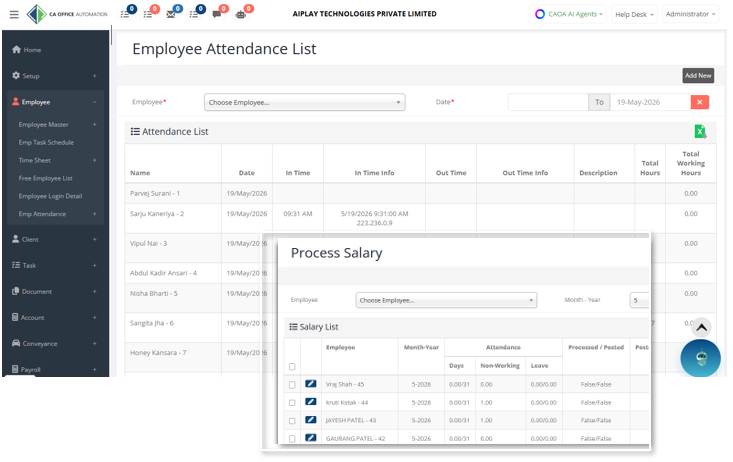
See non-working days, leave records, and overtime details in a unified view. Accurate attendance data feeds directly into payroll calculations for error-free salary processing.
Process salary for all employees in one click, send instant notifications, and print or share professional salary slips fully automated to eliminate manual effort every pay cycle.
"Hearty congratulations to the team at CA Office Automation for an excellent job! We've been trying to put together a functional Office Automation system for the last three years. They've worked closely with us throughout the process, staying on task, on target, and on budget. I highly recommend their service!"
"For the last few months we are using CAOA's White Label solution. They have a very good support team that will work on your account and within a short span of time, you'll be up and running. The user experience & security solutions of this software are in the major spotlight."
"We thank the CAOA team for the wonderful job they are doing in helping us develop our internal control system. Everyone has been professional, excellent and hard-working. Thanks to them, we were able to achieve our goal on time. We look forward to continuing working with them."
Stay updated with the latest in AI, accounting automation, and practice management.
As AI becomes deeply embedded in accounting workflows, trust has become the new professional currency. Discover how strong governance frameworks protect your sensitive financial data and build lasting client confidence.
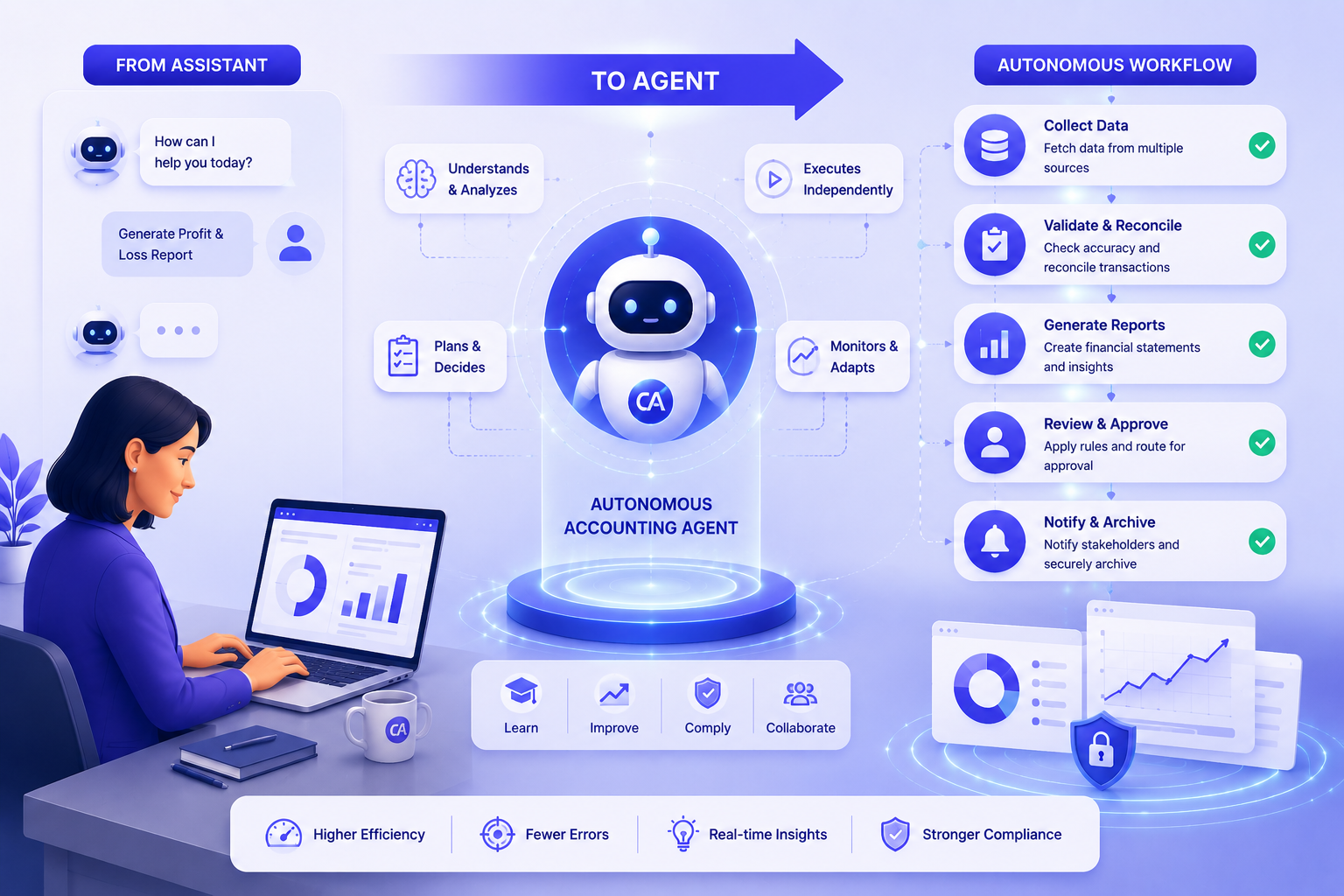
By 2026, AI has evolved from a support tool to autonomous agents that initiate actions, monitor workflows, and execute tasks independently — enabling accounting firms to operate at a whole new level of efficiency.
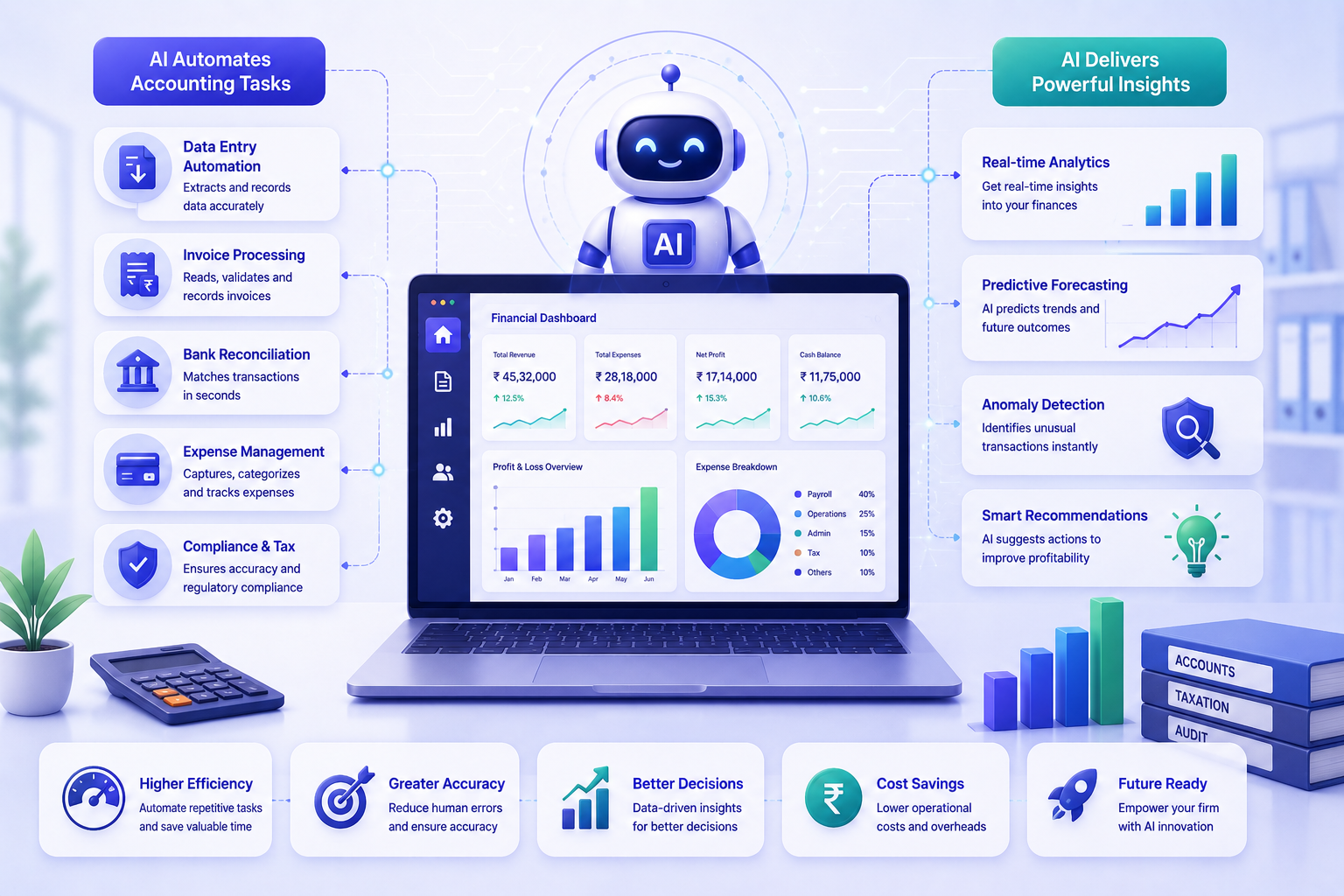
Artificial Intelligence is transforming the accounting profession by automating repetitive tasks, providing deep financial insights, and empowering professionals to work smarter and more efficiently than ever before.
What accounting firms ask before running payroll through CAOA.
CAOA calculates gross salary from CTC structure, applies all statutory deductions — PF (12% employee + 12% employer), ESI where applicable, professional tax by state, and TDS based on the employee's tax regime selection — and arrives at net take-home pay in one click. The system also handles arrears, LOP (Loss of Pay) deductions based on attendance data from the Employee Management module, and performance bonuses. Salary slips are generated automatically and can be emailed to employees or downloaded as PDFs.
Yes. You can define multiple CTC structures — for example, fixed-pay structures for support staff and variable-pay structures for senior professionals. Each structure can have custom components: basic, HRA, conveyance, special allowance, meal allowance, LTA, and any firm-specific components. Each employee is mapped to a structure, and the payroll engine applies their individual structure every month. Changes to a structure take effect from the next payroll cycle without affecting historical records.
Yes. Attendance and leave data from the Employee Management module feeds directly into payroll. If an employee is absent without approved leave, the LOP days are calculated and the salary is adjusted accordingly. Approved leave types (casual leave, sick leave, privilege leave) are configured to be paid or unpaid per your HR policy. This eliminates the manual step of cross-checking attendance registers before running payroll.
CAOA generates Form 16 (TDS certificate), monthly PF challan, ESI challan, professional tax register, and salary registers in the formats required for filing. All reports are exportable in PDF and Excel. The system also maintains a month-by-month payroll ledger per employee that can be produced for HR audits, labour inspections, or statutory reviews. For firms managing payroll across multiple states, CAOA handles state-specific professional tax rates automatically.
CAOA's payroll module scales from sole-practitioner firms with 2 employees to large firms with 500+ staff. Pricing is based on your overall CAOA user plan, not on the number of payroll employees. This means you can add all of your employees as payroll records without any additional per-head cost. Historical payroll records are retained indefinitely and accessible for any prior month with a single click.