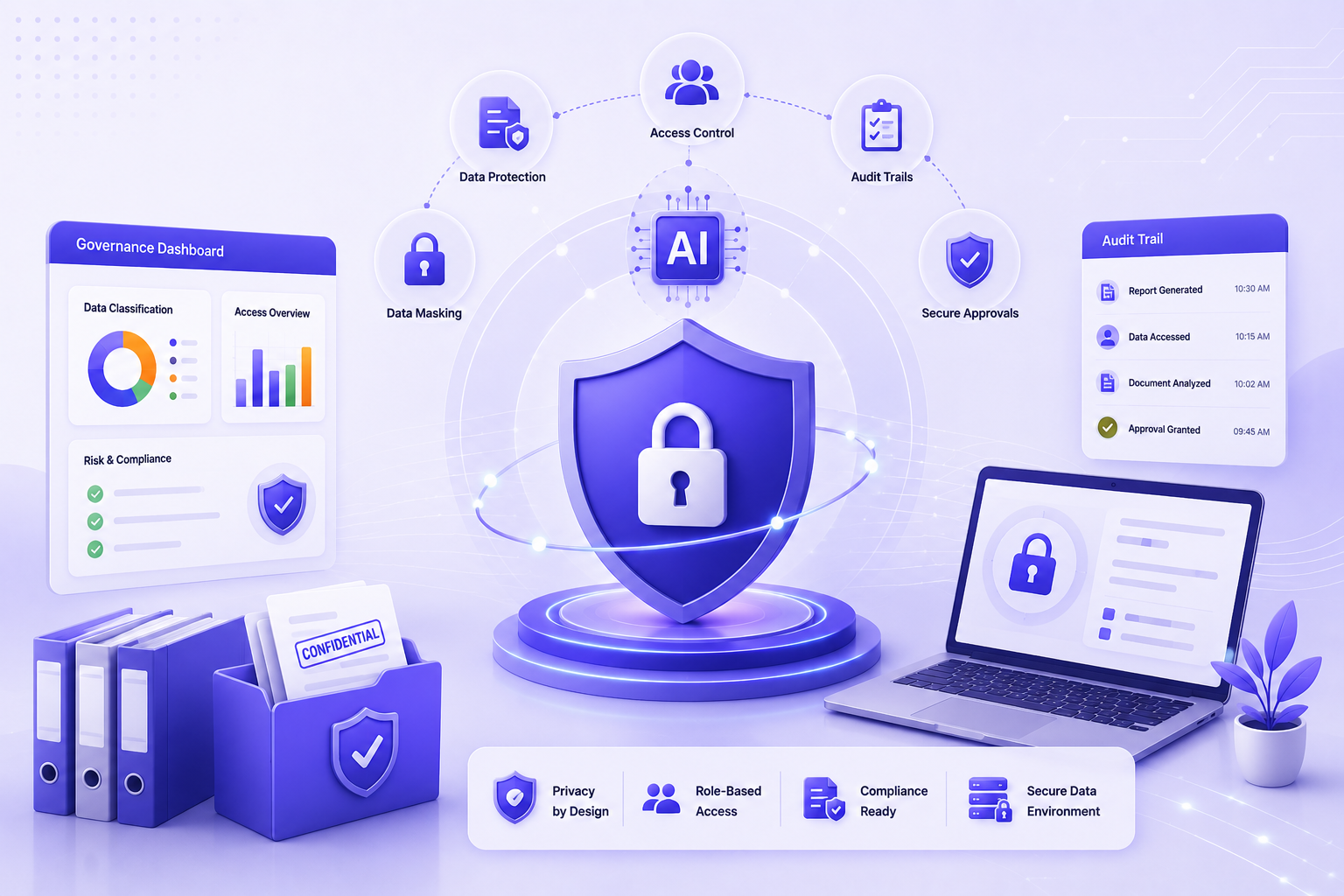
Latest Security & Encryption Protocols

Document Management
Software for CPA Firms

Track every inward/outward document and make it available to clients in just a few clicks secure, organized, and always accessible.

9+
Core Features
Zero
Paper Needed
100%
Secure Server
Document Vault
Search documents
Folders
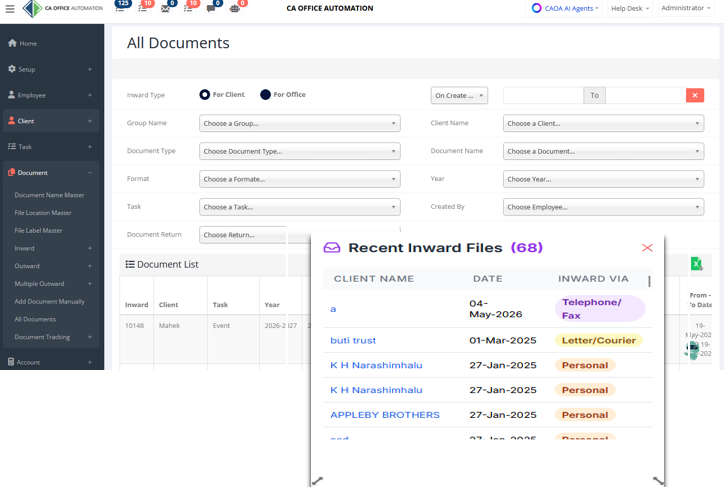
Inward Documents 4
See It In Action

Go Paperless & Take Full Control
of Every Document

Watch the full Document Management Module walkthrough from CA Office Automation.

Secure Server
Latest encryption
Inward / Outward
Full document flow
Track Instantly
Any document, anytime
Why It Matters

Why Document Management
Tool Is Important →

Eliminates Paper Dependency

A document management system drastically improves workflow by making documentation and records easily accessible on a secure web server eliminating paper entirely.

Electronic Audit Trail & Compliance

Team members automatically create an electronic audit trail that keeps documents accurate and in compliance with industry standards with full control over every step of key processes.

Boosts Firm Productivity

Set defined workflows into daily processes so routine procedures become simple tasks. Implementing a document management system does wonders for the productivity of accounting firms.
Contact Us Today →
Document Management Module
Secure, paperless & always compliant
How It Works

Better & Easy Way to Start Your
Document Management

Four pillars that make managing your firm's documents effortless, secure, and always audit-ready.

STEP 01

Easy To Use

A simple, secure, and user-friendly document listing system that any team member can adopt without training.

STEP 02

Inward / Outward

Log inward and outward documents and keep updated records of every file movement in and out of the organization.

STEP 03

Secure

Save documents on a server with the latest security and encryption protocols to ensure only authorized access.

STEP 04

Track

Track documents for your client for a particular service or task know exactly where every file is at all times.

Document Tool Highlights

Highlights of Document Management Tool

Automate redundant document processes to save time & information nine features built for paperless accounting firms.

Document Name

Define names & tags for all the documents you handle in the office create a consistent naming convention that makes every document instantly searchable and identifiable.

File Location

Define a location of the physical file kept in the office and mark its usage. Always know exactly where each document is stored physically and digitally without any confusion.

File Label

Assign a label to the files which are kept at a particular location in the office. Labels provide quick visual identification and help staff retrieve the right file in seconds.

Inward

Add details of inward files such as date, type, inward mode, and group name. Maintain a complete record of every document that enters your office with full traceability.

Outward

Perform outward for a client, department, employee, or other people with a complete log entry. Know who received what document, when, and through which mode of delivery.

Multiple Outward

Send multiple Emails / SMS to a group of clients in just one click. Bulk outward notifications save significant time during high-volume document dispatch periods.

Add Document

Manually add a document without going through the inward and verification process. Useful for uploading existing records or documents received through informal channels.

All Document

Filter and view documents of your choice with advanced filters, and export them to an Excel file instantly. A powerful directory view that puts your entire document library at your fingertips.

Track Document

Track the documents of your client for a particular service or task. Real-time tracking ensures nothing is misplaced and every document's journey is fully visible and accountable.

What Our Clients Say

Trusted by Accounting Leaders Worldwide

"Hearty congratulations to the team at CA Office Automation for an excellent job! We've been trying to put together a functional Office Automation system for the last three years. They've worked closely with us throughout the process, staying on task, on target, and on budget. I highly recommend their service!"

FK
Felix K Kimoli
MGI Alekim LLP, Kenya

"For the last few months we are using CAOA's White Label solution. They have a very good support team that will work on your account and within a short span of time, you'll be up and running. The user experience & security solutions of this software are in the major spotlight."

SS
CPA Simon Cheung
Director, CPA Global Hongkong

"We thank the CAOA team for the wonderful job they are doing in helping us develop our internal control system. Everyone has been professional, excellent and hard-working. Thanks to them, we were able to achieve our goal on time. We look forward to continuing working with them."

PM
CPA Pankaj Mankani
RVG Accountants, Dubai, UAE
Insights & Updates

Latest from Our Blog

Stay updated with the latest in AI, accounting automation, and practice management.

AI Security
AI Security
The Governance of Intelligence: Protecting Sensitive Financial Data in the Agentic Era

As AI becomes deeply embedded in accounting workflows, trust has become the new professional currency. Discover how strong governance frameworks protect your sensitive financial data and build lasting client confidence.

May 2026 · 6 min read Read Article
Agentic AI
Agentic AI
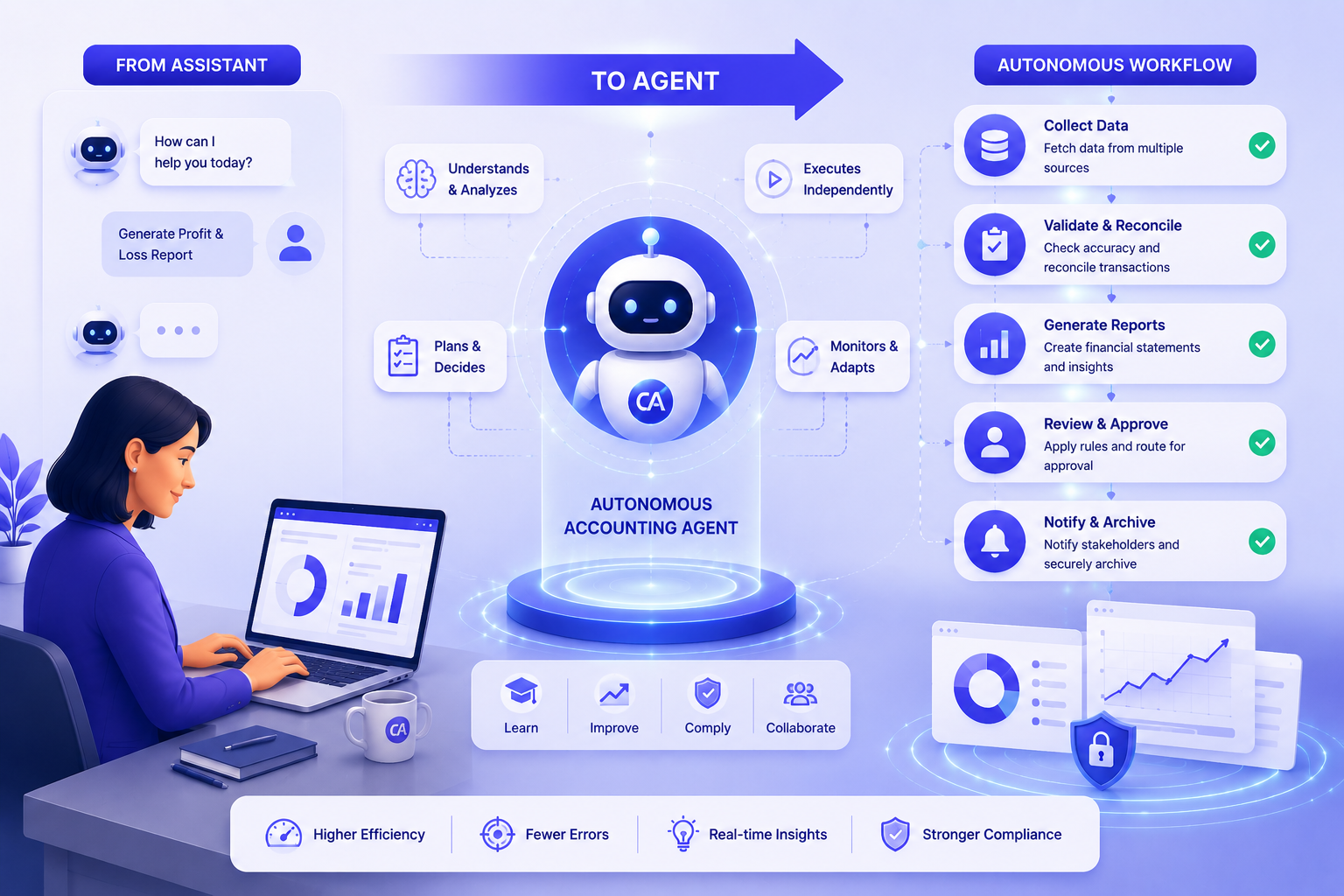
From Assistant to Agent: Designing Your First Autonomous Accounting Workflow

By 2026, AI has evolved from a support tool to autonomous agents that initiate actions, monitor workflows, and execute tasks independently — enabling accounting firms to operate at a whole new level of efficiency.

Apr 20, 2026 · 5 min read Read Article
AI Automation
AI Automation
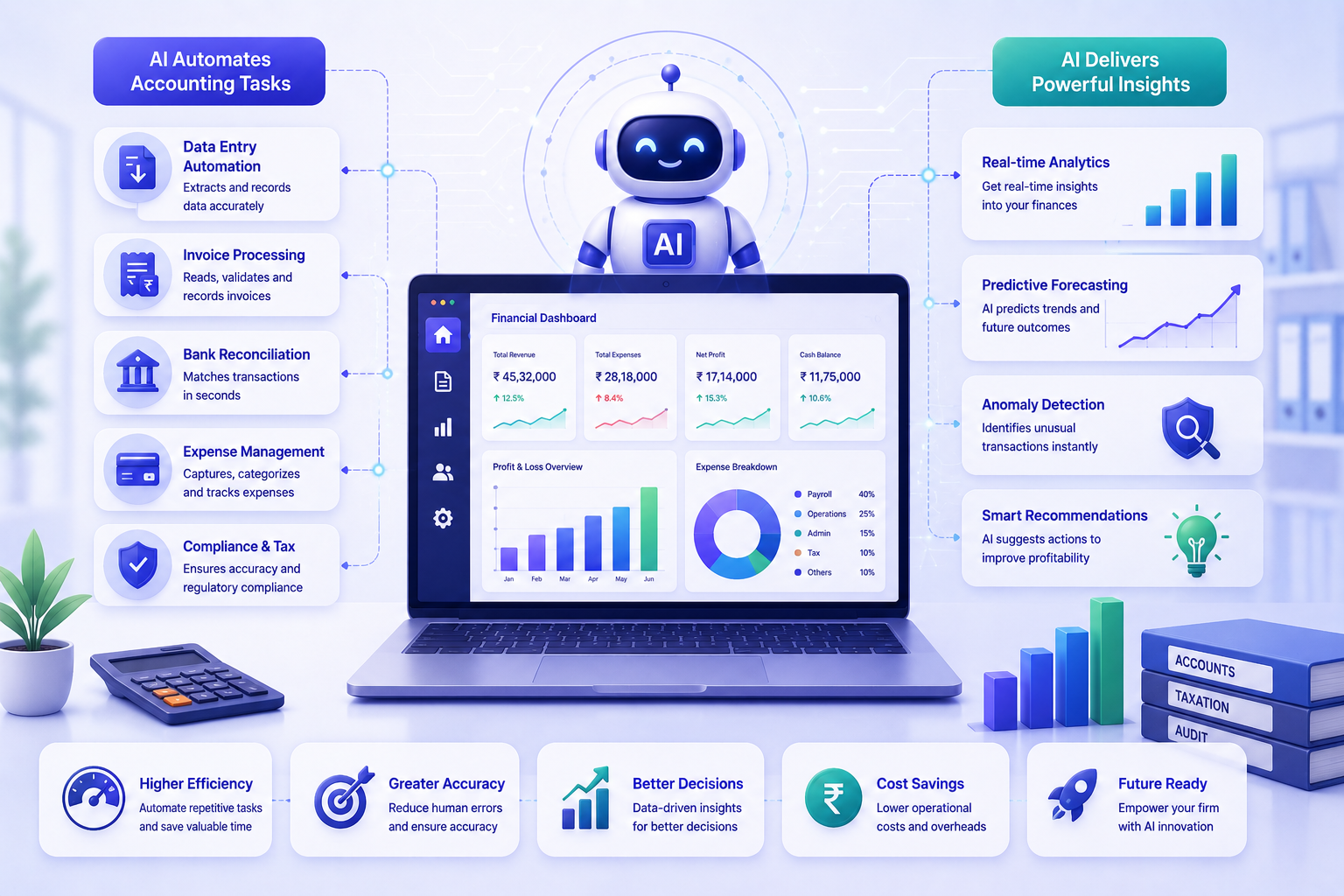
Role of AI in Accountancy: How AI is Revolutionizing Automation in the Accounting Field

Artificial Intelligence is transforming the accounting profession by automating repetitive tasks, providing deep financial insights, and empowering professionals to work smarter and more efficiently than ever before.

Mar 11, 2025 · 7 min read Read Article
Frequently Asked Questions

Document Management — Common Questions

Answers to the questions accounting firms ask before going paperless with CAOA.

What types of documents can I store in CAOA Document Management?

CAOA stores all document types without restriction — PDF, Word, Excel, TIFF, JPEG, ZIP, and any other format. Inward documents (received from clients) and outward documents (delivered to clients or authorities) are tracked separately with timestamps and status labels. You can organise documents into custom folder structures by client, financial year, service type, or jurisdiction, and each document can be tagged for instant retrieval.

How secure is CAOA's document storage?

All documents are encrypted with 256-bit SSL both in transit and at rest, hosted on Microsoft Azure's ISO 27001-certified infrastructure. Access is controlled by role — staff can only open documents belonging to their assigned clients. Every download, upload, and share action is logged with the user's identity and timestamp, creating an immutable audit trail. A Non-Disclosure Agreement (NDA) is provided to all CAOA clients for added assurance.

Can clients upload documents directly into CAOA?

Yes. Clients get access to a branded self-service portal where they can upload requested documents (bank statements, invoices, identity proofs, etc.) directly into CAOA. You can send structured document-request checklists from CAOA, and the portal tracks which items have been received and which are pending. Clients receive an upload confirmation, and your team is notified immediately when new documents arrive — eliminating email chains and WhatsApp requests.

How does inward vs. outward document tracking work?

Inward documents are those received from clients or third parties — scanned originals, signed forms, bank statements. Outward documents are those you prepare and deliver — tax returns, audit reports, financial statements. CAOA gives each document a sequential reference number, tracks its status (received, under review, processed, delivered), and links it to the relevant task or engagement. You always know the age of every document in the pipeline.

Is there a storage limit, and what happens when I need more space?

Storage allocation depends on your plan — plans range from 5 GB to 50 GB. If you exceed your plan's limit, additional storage is available at $100 per year for 5 GB increments. There is no cap on the number of documents — only total file size is metered. Administrators can view current storage usage in real time from the CAOA settings dashboard and purchase extra space without any downtime or data migration.

Explore More from CAOA